

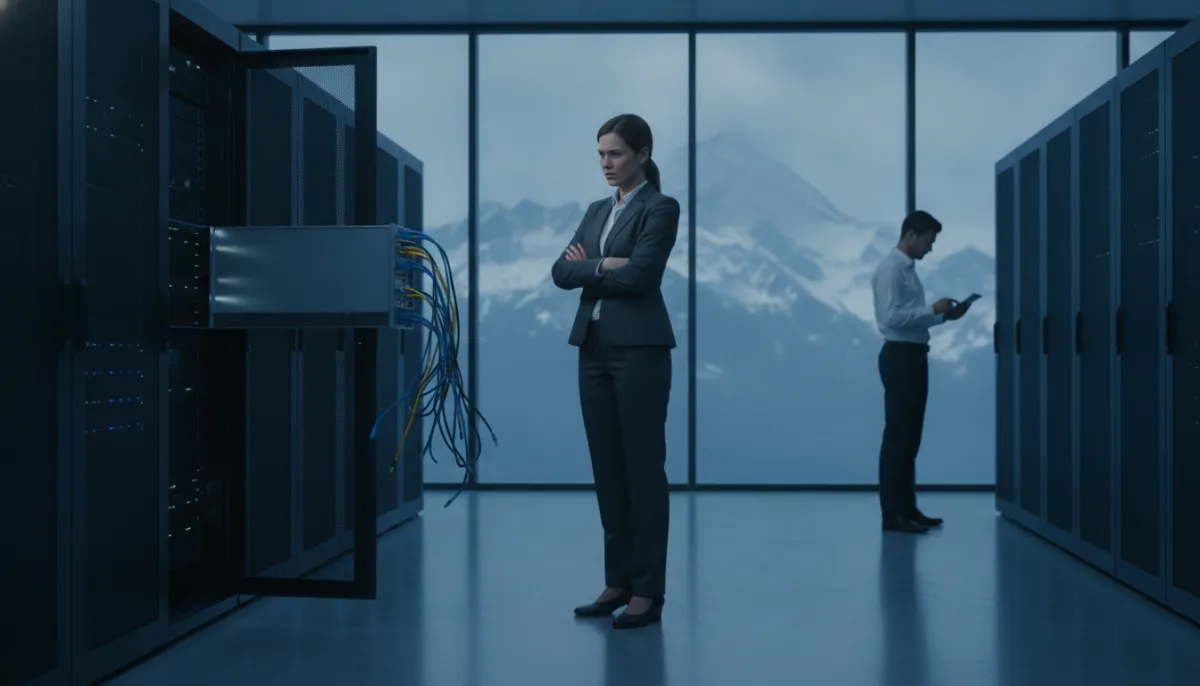
SonicWall has declared all Gen 6/6.5 firewalls permanently unpatched, warning AI-driven scanning finds exposed edge devices within days. Here's what to check at your network perimeter today.
If your business has a SonicWall firewall sitting at the edge of your network, there is a decision to make this week, not at your next IT budget cycle. SonicWall has told every customer still running Generation 6 or 6.5 appliances to retire and replace them immediately, and to stop exposing them to the internet altogether.
What SonicWall actually said
In a product advisory updated on 18 November 2026, SonicWall confirmed that all Gen 6 and Gen 6.5 firewalls running SonicOS 6.x have reached end of support. That means no more firmware updates and no more security patches, "regardless of severity" — a phrase SonicWall itself used in the advisory published on its official support portal.
In plain terms: if a critical, remotely exploitable flaw is found in these devices next month, next year, or at any point in the future, it will simply never be fixed. The device stays vulnerable for as long as it remains in production.
SonicWall was unusually direct about why this matters right now, warning that "attackers now use automation and AI to find and exploit unsupported edge devices faster than ever," as reported by The Hacker News. The company expects internet-facing Gen 6 firewalls to be actively targeted going forward, and Help Net Security confirms the end-of-support status applies across the entire Gen 6/6.5 product line, not just older or niche models.
Why this is different from a normal "please upgrade" notice
Vendors retire old hardware all the time. What makes this advisory worth acting on immediately is the combination of three things: these are perimeter devices, meaning they sit directly on the internet by design; SonicWall has a track record of firewall flaws being found and actively exploited in the wild; and the company is explicitly saying future critical bugs on these models will never be patched, no matter how severe. A firewall is supposed to be the thing standing between your business and the internet. One that can never be fixed again is a liability sitting in that exact spot.
What to do today
- Find out what you're running. Log into your firewall's management console and check the model and SonicOS version. If it shows a Gen 6 or Gen 6.5 model on SonicOS 6.x, treat it as unsupported starting now.
- Prioritize anything internet-facing. SonicWall specifically calls out internet-facing and remote-access units as the highest risk. If staff connect to your office network remotely through this device, move it up the list.
- Don't wait for the next contract renewal. SonicWall's own recommendation is to retire these devices and replace them with a Gen 8 firewall running SonicOS 8, working with an authorized partner to plan the migration, per The Hacker News. A device that can never be patched again doesn't get safer by waiting.
- In the meantime, reduce exposure. If replacement can't happen overnight, restrict remote management access to the firewall itself, turn off any unused services exposed to the internet, and keep a close eye on logs for unusual connection attempts.
The bigger pattern
This is the latest in a string of edge-device warnings this month, and it fits a pattern we keep seeing: attackers, increasingly helped by automated and AI-assisted tools, go straight for internet-facing boxes that businesses forget about once they're installed. Firewalls, VPN gateways and remote-access appliances are exactly the kind of equipment that gets set up once and never revisited — until it becomes the easiest way in.
This is the space we watch closely and will keep reporting on as it develops. If you're not sure what firewall model is protecting your business, or whether your network equipment is still supported, that's worth finding out this week rather than after an incident. Flitz.ai, built by The Mejlerö Company, supports Swiss SMEs across Obwalden, Nidwalden, Luzern and Zürich with practical IT support — from network and WLAN setup to security basics like two-factor authentication — and offers a free network analysis and a free one-hour consultation if you want a second pair of eyes on your current setup.


 Switzerland.